
A creative space inside your RSVP dashboard
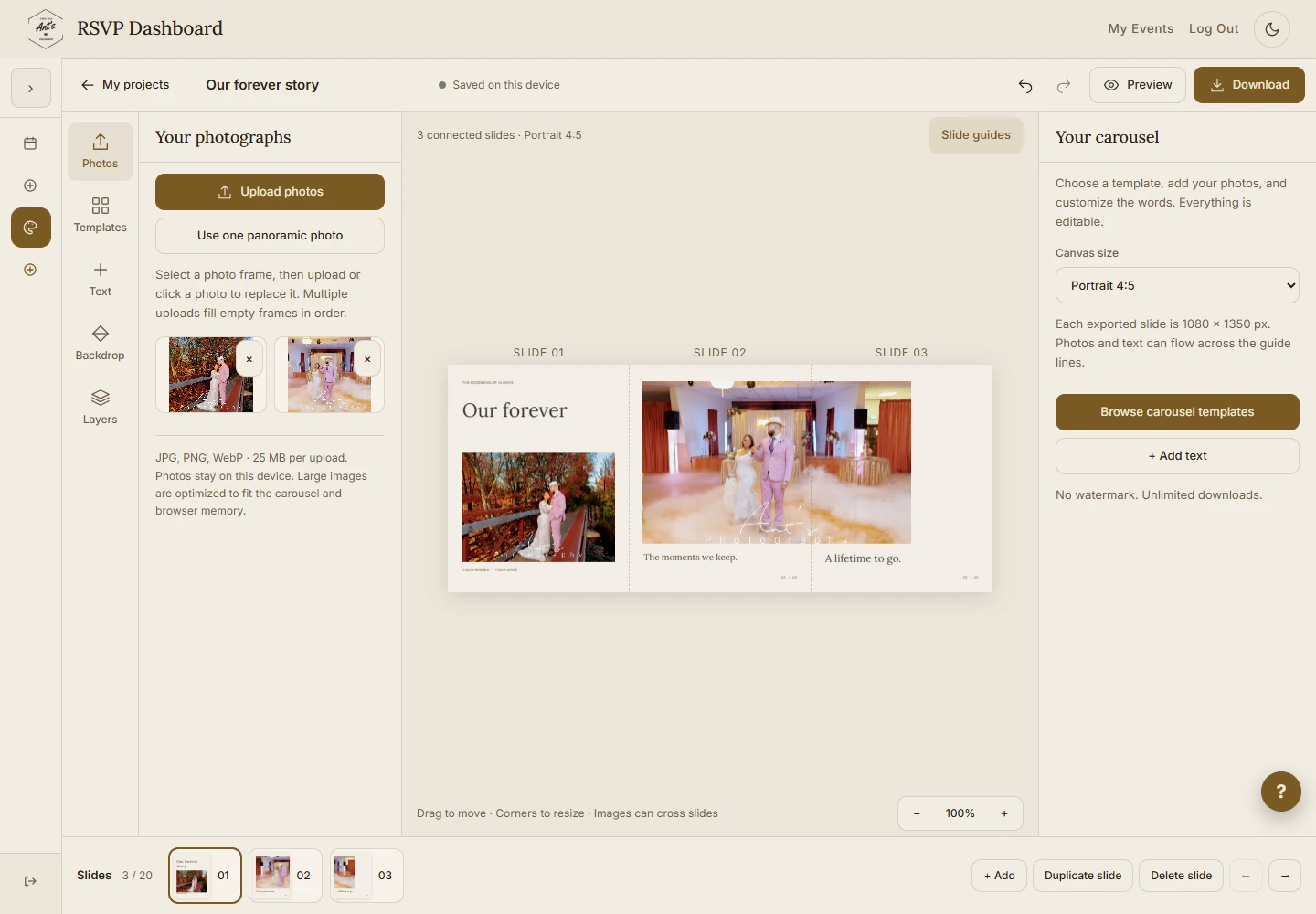
Creative Studio is the new photo design space in our RSVP system. Open your dashboard and choose Creative Studio from the menu. You can use it with a Free or Premium account, even without booking a photography session.
Make a birthday collage, share a few favorites from a portrait session, or put a wedding story into a connected Instagram carousel. The screenshots here show the actual interface with example photos, not private account or guest information.
Start with one of 20 editable templates
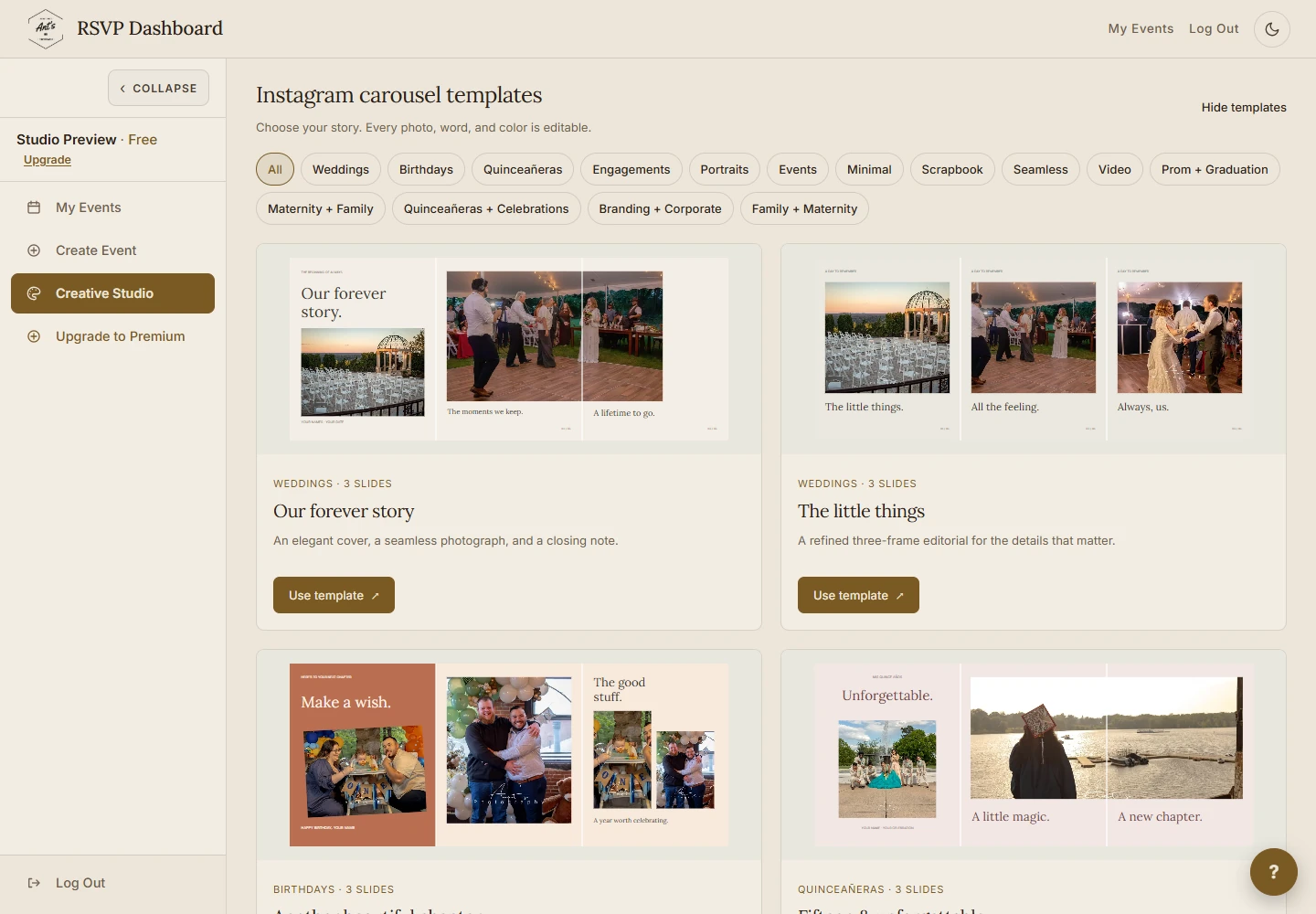
Choose a starting point for weddings, quinceañeras, birthdays, portraits, family photographs and more. The contact sheet, The gallery wall and A day in chapters are a few of the layouts you can make your own. You can also start with a blank collage or a seamless carousel.
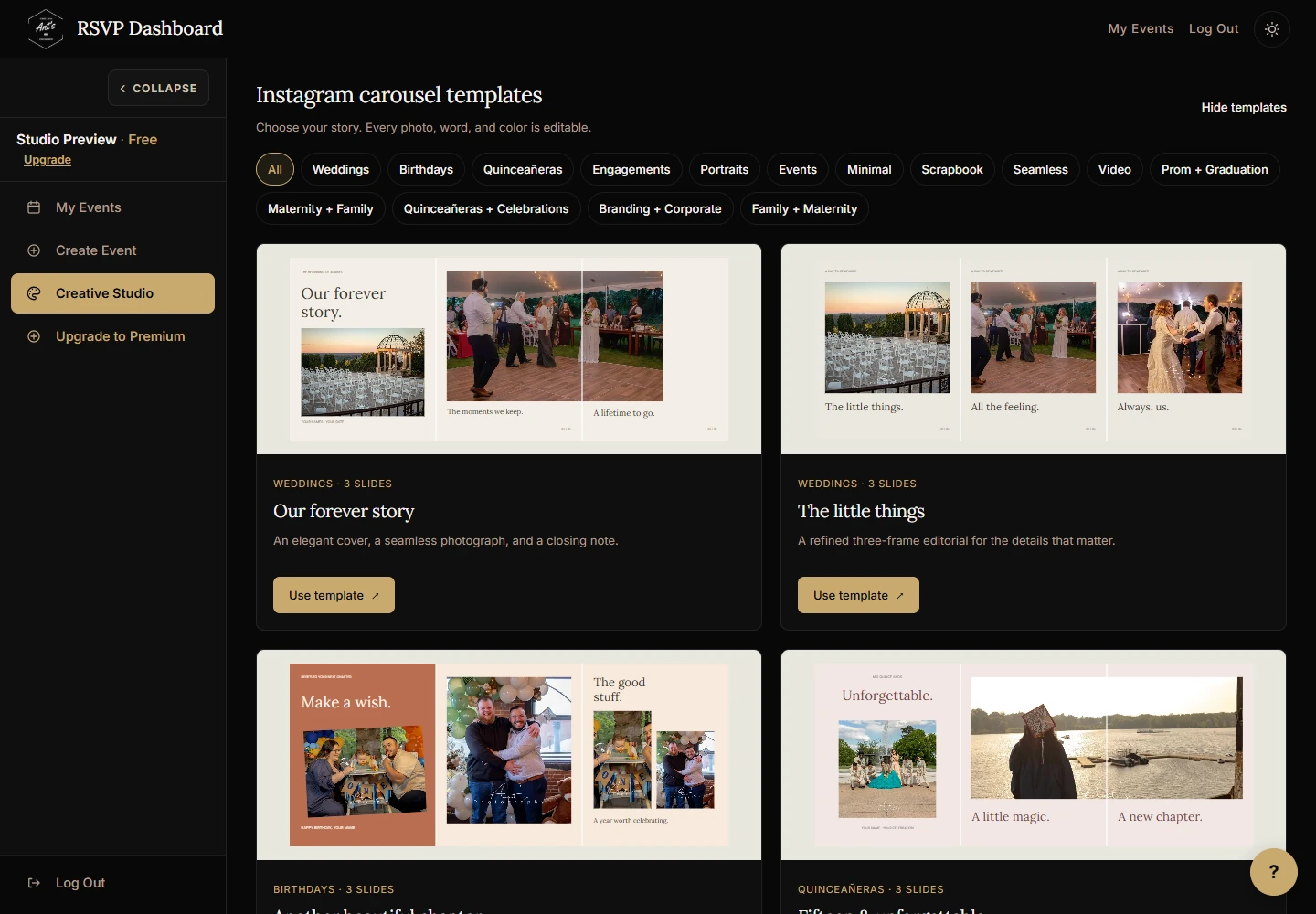
The gallery shows sample photographs so you can see how each layout works. When you apply a template, its photo frames are ready for your own uploads. The gallery examples are not automatically included in your design or download.
Make the design your own
- Add your photographs. Upload JPG, PNG or WebP files, replace a photo frame, or use a panoramic photograph across connected slides.
- Tell the story in your words. Edit the text, fonts, sizes, colors and alignment. Move, resize and rotate elements to arrange the design.
- Keep control as you work. Use layers, Undo and Redo, preview the carousel, and add, duplicate, reorder or remove slides.
One post or a carousel with up to 20 slides
Choose a square 1:1, portrait 4:5 or taller portrait 3:4 canvas. Each exported slide is 1080 pixels wide, with a height of 1080, 1350 or 1440 pixels to match your chosen format.
A carousel can contain from one to 20 slides. Photographs and text can cross the guide lines, so a swipe can continue the same image or lead into the next part of your story.
Edit on your phone, too
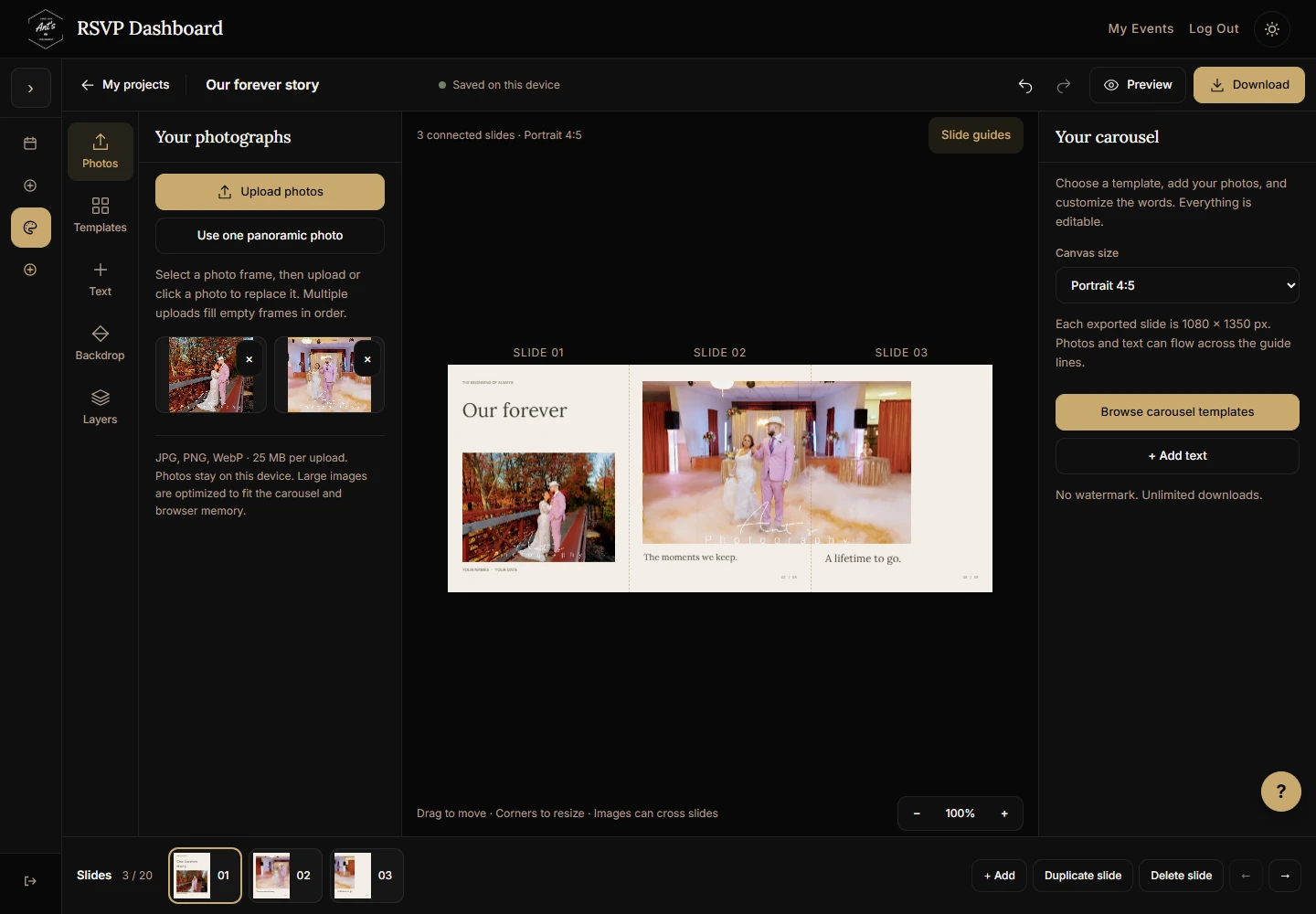
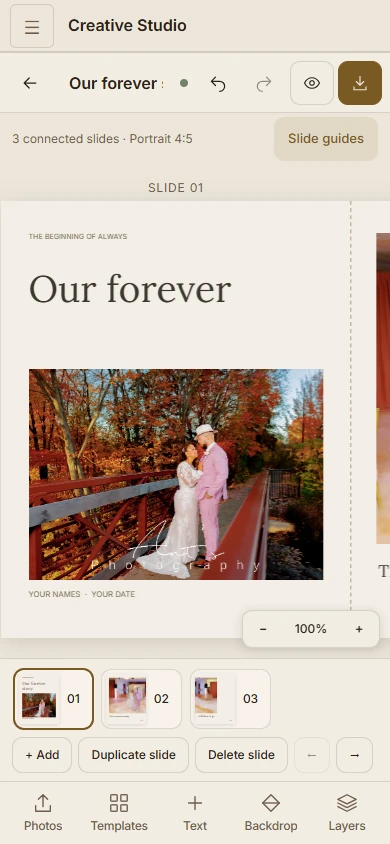
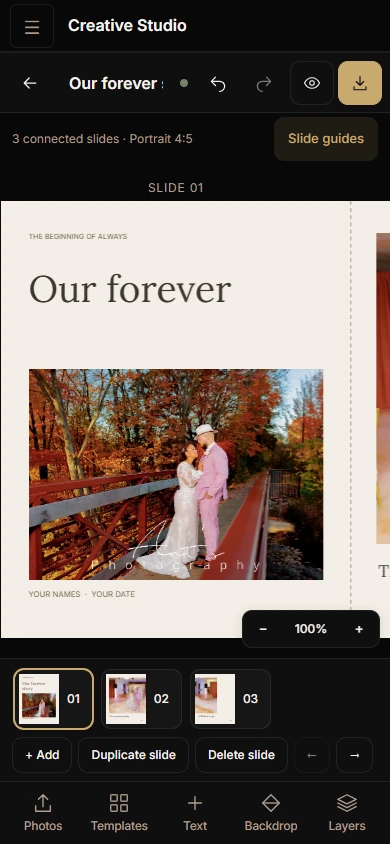
On a phone, the editor focuses on one slide at a time. A bottom toolbar opens the photo, template, text, backdrop and layer tools, while the slide thumbnails let you move through the carousel. The interface follows the dashboard's light or dark theme.
Download the finished files
Choose JPG or PNG, then download a single slide or all slides together in a ZIP. JPG includes a quality control when you want smaller photo files. Downloads have no Studio watermark.
Save the files to your device and upload them to Instagram or wherever you want to share them. Studio creates the files; it does not publish to your social accounts.
What Free and Premium accounts include
Both account types can use all 20 templates, the editing tools and watermark-free downloads. Free accounts have five saved project spaces. Premium accounts have no project-count limit, subject to the storage available in your browser.
Keep your projects in the same browser
Studio saves your projects and uploaded photos in the browser on the device you are using. Return in that same browser to continue editing. Projects do not sync between devices, and clearing site data removes them.
Keep your original photos and download your finished slides before clearing browser data or moving to another device.
Make your first design
- Create a Free RSVP account, or sign in if you already have one.
- Choose Creative Studio from your dashboard menu.
- Pick a template or a blank project, add your photos, and edit the design.
- Preview your slides and download the JPG or PNG files.
Planning a celebration as well? See how event pages and RSVP tools work, or take a tour of the dashboard.